
Stop translating your setup
The chart is already telling a story. ChartGPT packages that context with your prompt, so the model starts from what you are looking at.
ChartGPT sends your chart context (OHLCV bars, indicators, VWAP, volume profile, drawings, screenshots, and notes) straight from NinjaTrader to the AI provider you choose, along with your prompt. You bring the API key. ChartGPT brings the chart.
Explore ChartGPTThe chart is already telling a story. ChartGPT packages that context with your prompt, so the model starts from what you are looking at.
No separate research room. No copy-and-paste ritual. Ask questions from the chart where the decision is actually happening.
Use OpenAI, Anthropic, Google, or OpenRouter with your own provider account. Pick the model that fits the review you want to run.
ChartGPT starts every question with the full chart context, including the session you are trading. The answer is still AI, but the question finally has the chart attached.
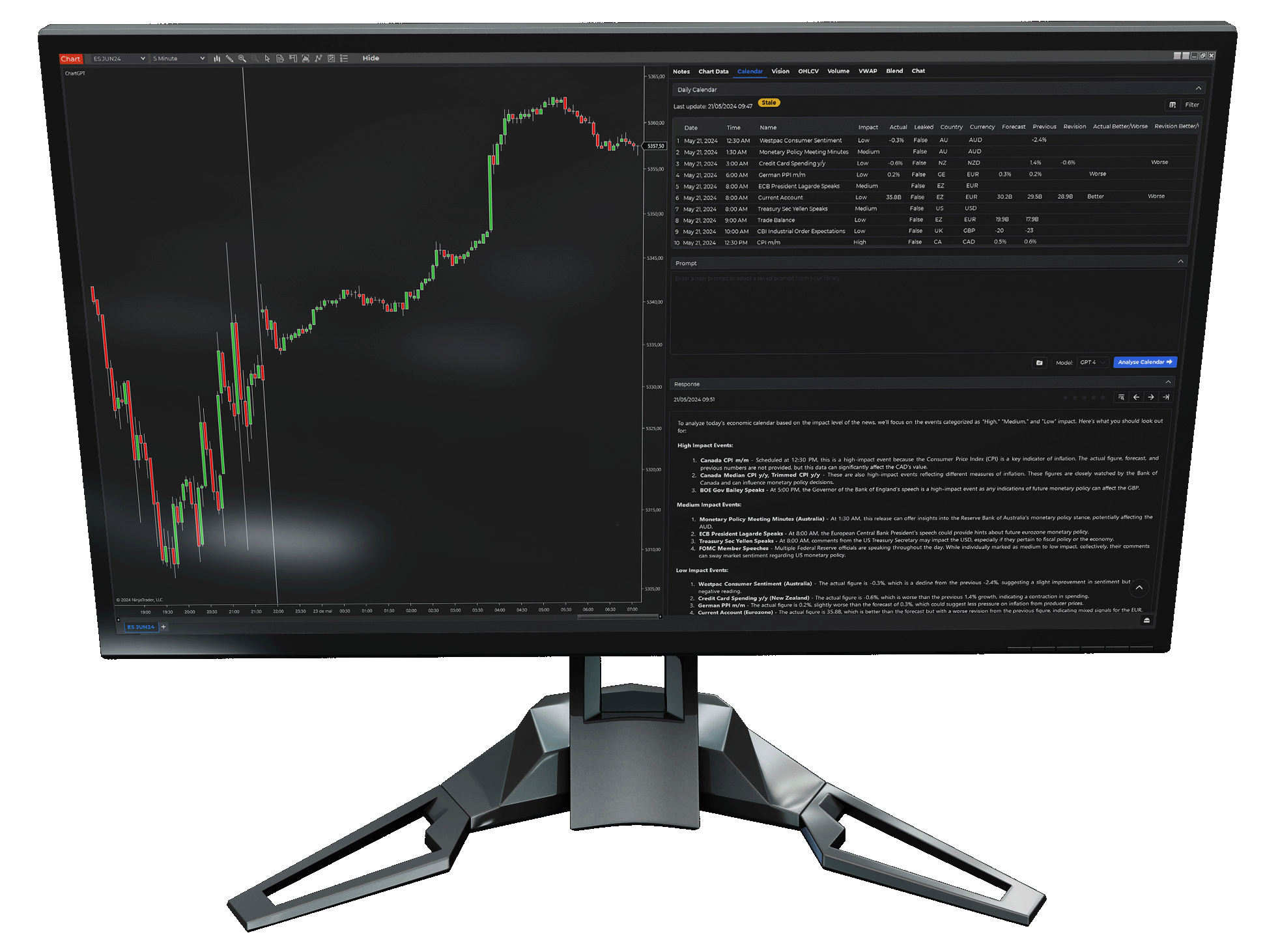
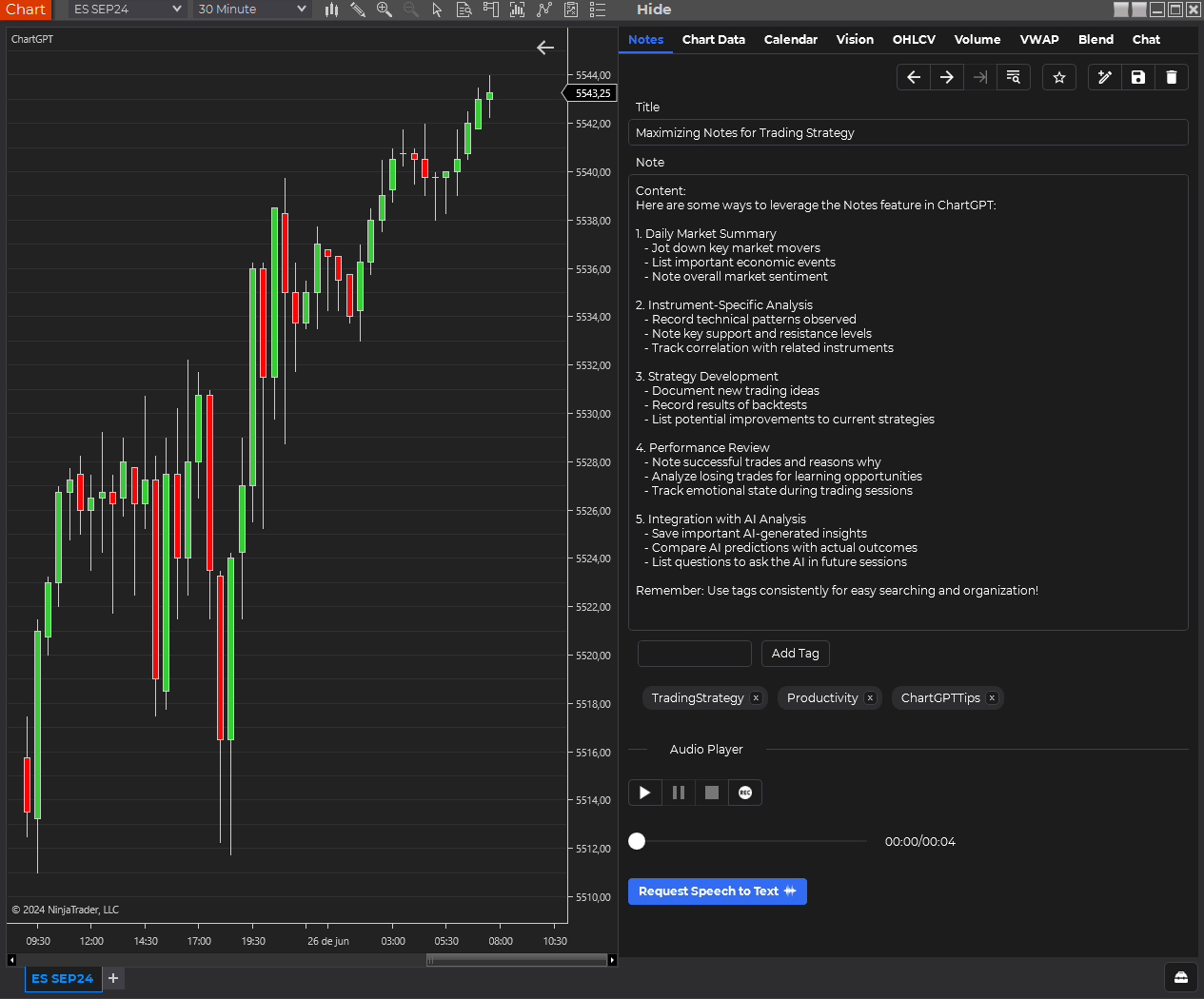
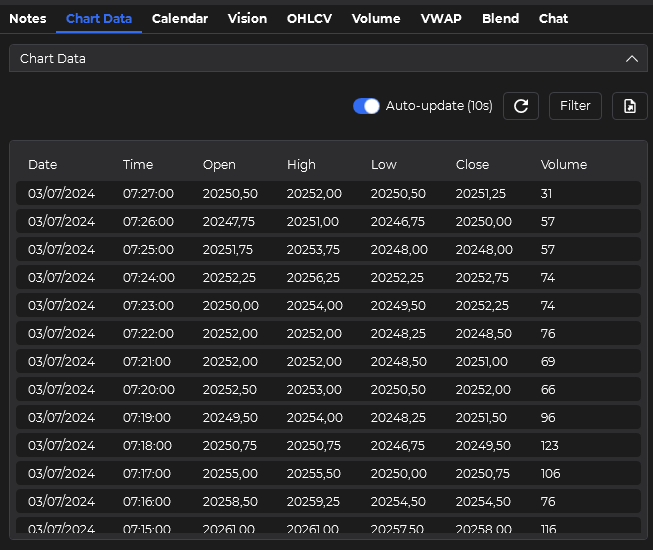
Everything the chart is showing reaches the model in a single request, with nothing to reassemble by hand.
Ask about structured data, screenshots, drawing-tool context, or a blended view of everything in the chart context.
Pick the model that fits the question. ChartGPT follows the providers you configure inside the app.
Ask about the bars, indicator values, and market structure already loaded in NinjaTrader.
Bring scheduled-event context into the same research flow as the chart.
Let a vision-capable model see the chart, drawings, and levels you are actually using.
Talk to the model with your chart context attached instead of starting from a blank chat box.
Saved prompts, notes, and full response history stay with the session, so you can pressure-test a read and return to it later.
ChartGPT connects the chart already open in NinjaTrader to your own AI provider. Ask about anything in the chart context, or about your trade plan, without copying the setup into another window.
For one NinjaTrader user. Connect your OpenAI, Anthropic, Google, or OpenRouter key.
ChartGPT works with the AI providers you already use. Connect OpenAI, Anthropic, Google, or any OpenRouter-compatible model using your own provider account.




For the extended version, check the FAQ page or visit the documentation.
ChartGPT is sold as a one-time lifetime license for one NinjaTrader user. You buy the software once and keep access to the ChartGPT bridge.
No. You bring your own API key from OpenAI, Anthropic, Google, or OpenRouter. Your provider bills AI usage directly.
Yes. ChartGPT is built for NinjaTrader 8. It runs inside the NinjaTrader chart workflow you already use.
Lifetime means lifetime activation and lifetime software updates. Support is included for 12 months from purchase.